How to place furniture in an AI interior without losing product details
An interior image helps buyers imagine furniture in a home. The generated scene must retain your actual product: a beautiful sofa with a different shape is unsuitable for a catalogue. Start by separating the furniture reference from the room reference.
Use two distinct references
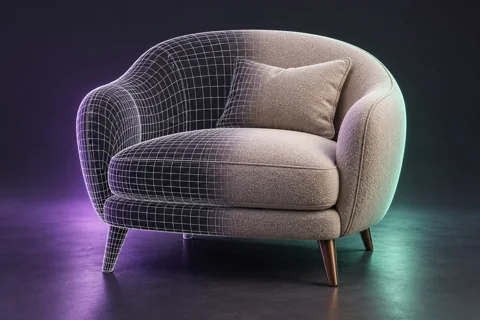
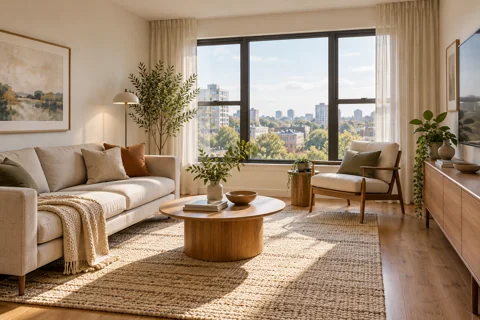
The first image defines the furniture: silhouette, proportions, seams and material. The second defines the room, viewpoint and mood. Explain these roles in your prompt. Where available, add photographs of important details and additional views.
State the constraints
Example: “Place the sofa from the first image in the room from the second. Preserve the cushion count, armrest shape, legs and fabric colour. Match perspective, lighting and contact shadows.” Written constraints are not a guarantee of preserved geometry.
Check scale and construction
Compare the sofa with the door, table and surrounding objects. A photograph without measurements cannot confirm actual dimensions. Check symmetry, seams and leg positions: AI can add or remove details even in a convincing image.
Know when to use 3D
For precise dimensions, consistent multiple views and a complete material catalogue, use a verified 3D model. AI is useful for concepts and exploring settings. Before advertising, compare the image with the product's actual specifications.
Vumli editorial team
All articles