How to create AI product photos without a photo studio
For a small product collection, arranging a separate shoot for every advertising concept can be impractical. AI can help create new backgrounds and compositions from an existing photograph. An attractive image, however, is not necessarily an accurate representation of the product.
Prepare the reference
Photograph the item in diffused light against a simple background. Keep edges, materials and important details clear. Avoid blown highlights and blur: a generator may invent missing information. Save the original for comparison.
Describe the setting, not a new product
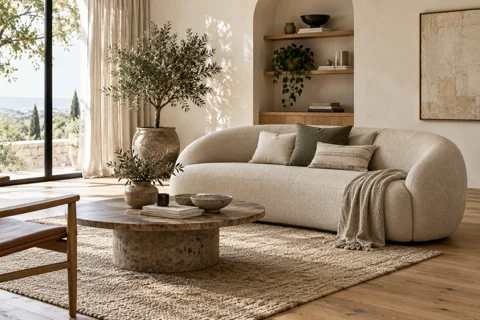
Example prompt: “Use the uploaded product as a reference. Preserve its shape, colour and packaging details. Place it on a light stone pedestal with soft daylight and a natural contact shadow.” These instructions express the goal; they do not guarantee exact preservation.
Check the result
Compare proportions, lettering, the lid, component count and colour with the original. Inspect edges and shadows at a larger scale. If AI changes the logo or construction, correct the result or composite a cutout of the original product onto the new background.
Prepare for publication
Create separate images for catalogue listings and advertising, and check platform rules. Keep the source, prompt and selected version together. AI is useful for exploring visual ideas; a person remains responsible for product accuracy.
Vumli editorial team
All articles