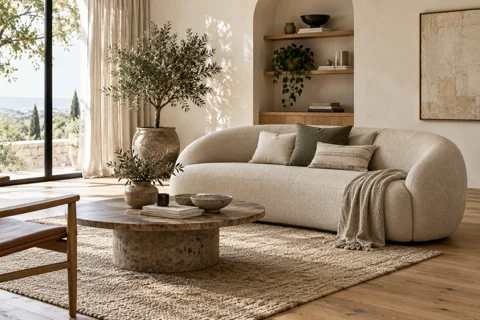
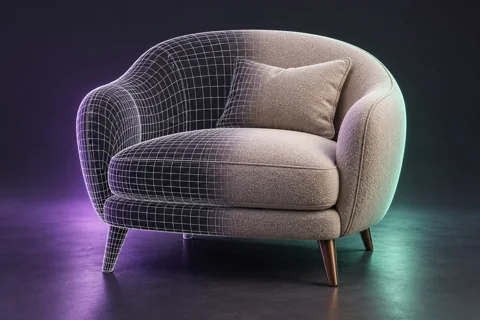
AI interior design from a photo: a practical way to explore ideas
AI can help compare styles, colours and furnishings before buying furniture. The visualization is useful as a concept, but it does not replace measurements, space planning or working drawings. Start by identifying what must remain unchanged in the room.
Prepare the room photograph
Take the photo in good light without tilting the camera excessively. Identify windows, doors, radiators and items to retain. Record actual measurements separately: the image does not provide reliable distances.
Set a specific goal
Instead of “make it beautiful,” try: “Suggest a calm living room with warm wood, light walls and a reading area. Preserve the windows, doors and existing floor. Do not add openings.” Change one important parameter at a time to make comparisons meaningful.
Check feasibility
Review walkways, door clearance, furniture dimensions and access to sockets. A generator may move a window or show an impossible construction. Compare the chosen concept with measurements and available materials.
Turn the idea into a plan
Select a direction and list decisions about palette, furniture, lighting and finishes. For renovation, prepare a dimensioned plan and consult a professional where needed. Treat the AI image as a visual brief, not a construction drawing.
Vumli editorial team
All articles